The Bridge that Connects your  Davinci Resolve and
  Claude
The missing link between DaVinci Resolve and Claude — bring AI editing straight into the tool you already use. Read transcripts, cut timelines, and structure your story.
Empower your edit without leaving your favourite editing tool
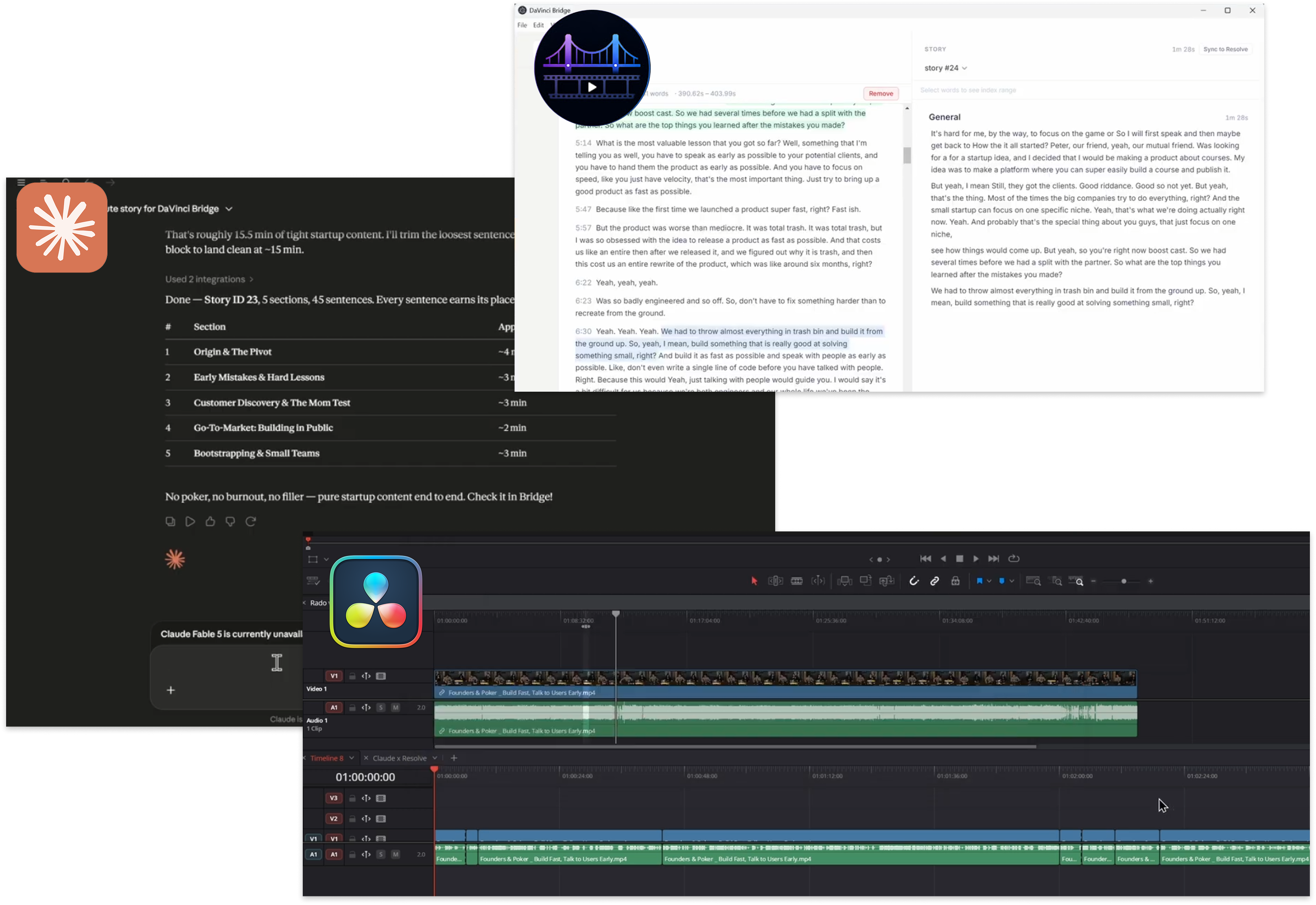
1. Transcribe
Generate transcript running a local Whisper model on your machine. You can also upload your own transcript
2. Edit with Claude
Brainstorm your ideas and get suggestions for your edit with the help of Claude, your AI assistant.
3. Results straight in Resolve
Get your results straight in DaVinci Resolve with the help of our plugin. No need to copy and paste, just click and edit.
One product, unlimited solutions
From transcript to timeline, Davinci Bridge keeps Claude and DaVinci Resolve talking to each other, so nothing gets lost in translation.
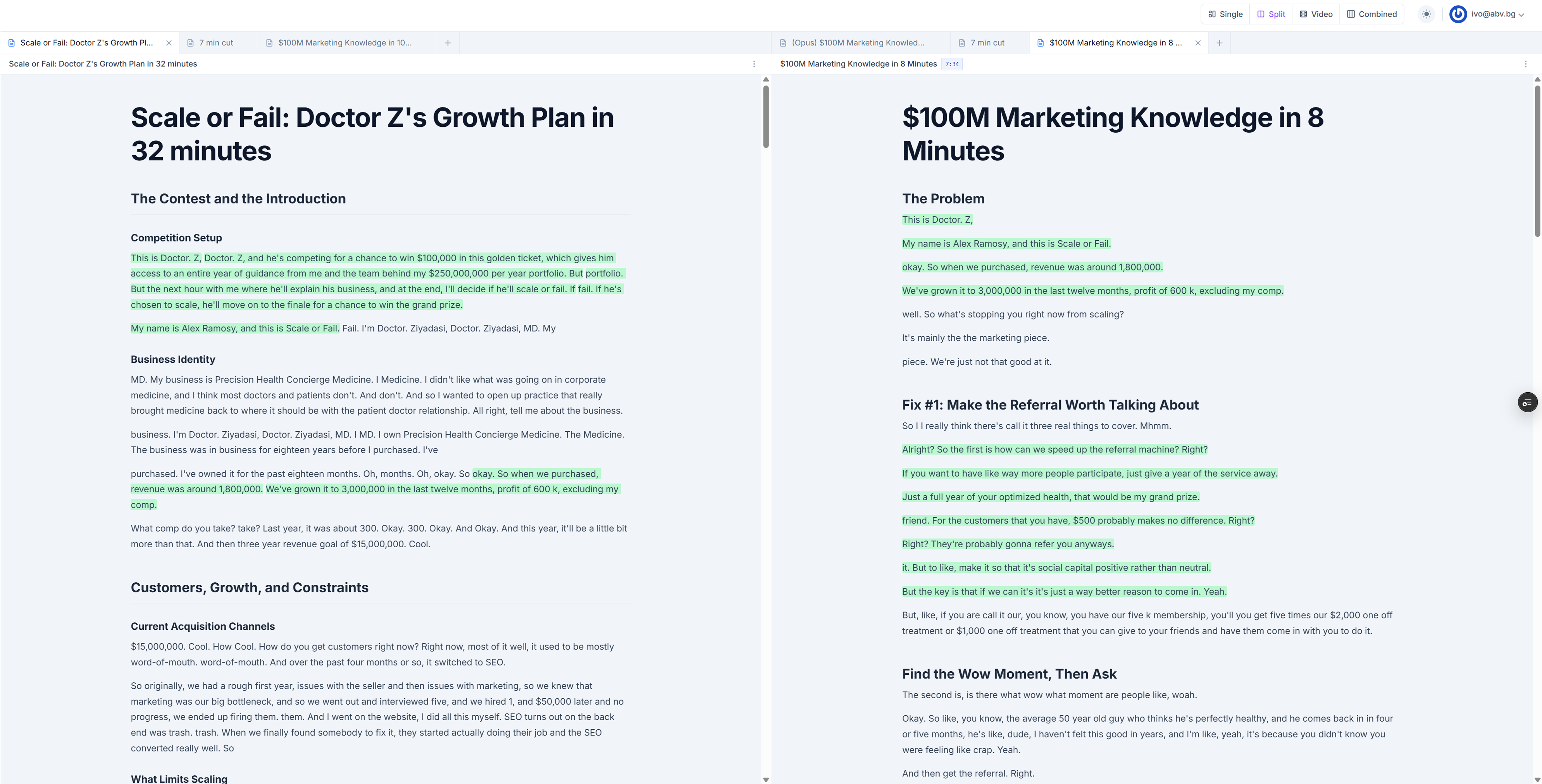
Transcript editing that feels like editing a document
Every sentence in your footage becomes an editable line of text. Cut retakes, reorder beats, and tighten the story by reading it.
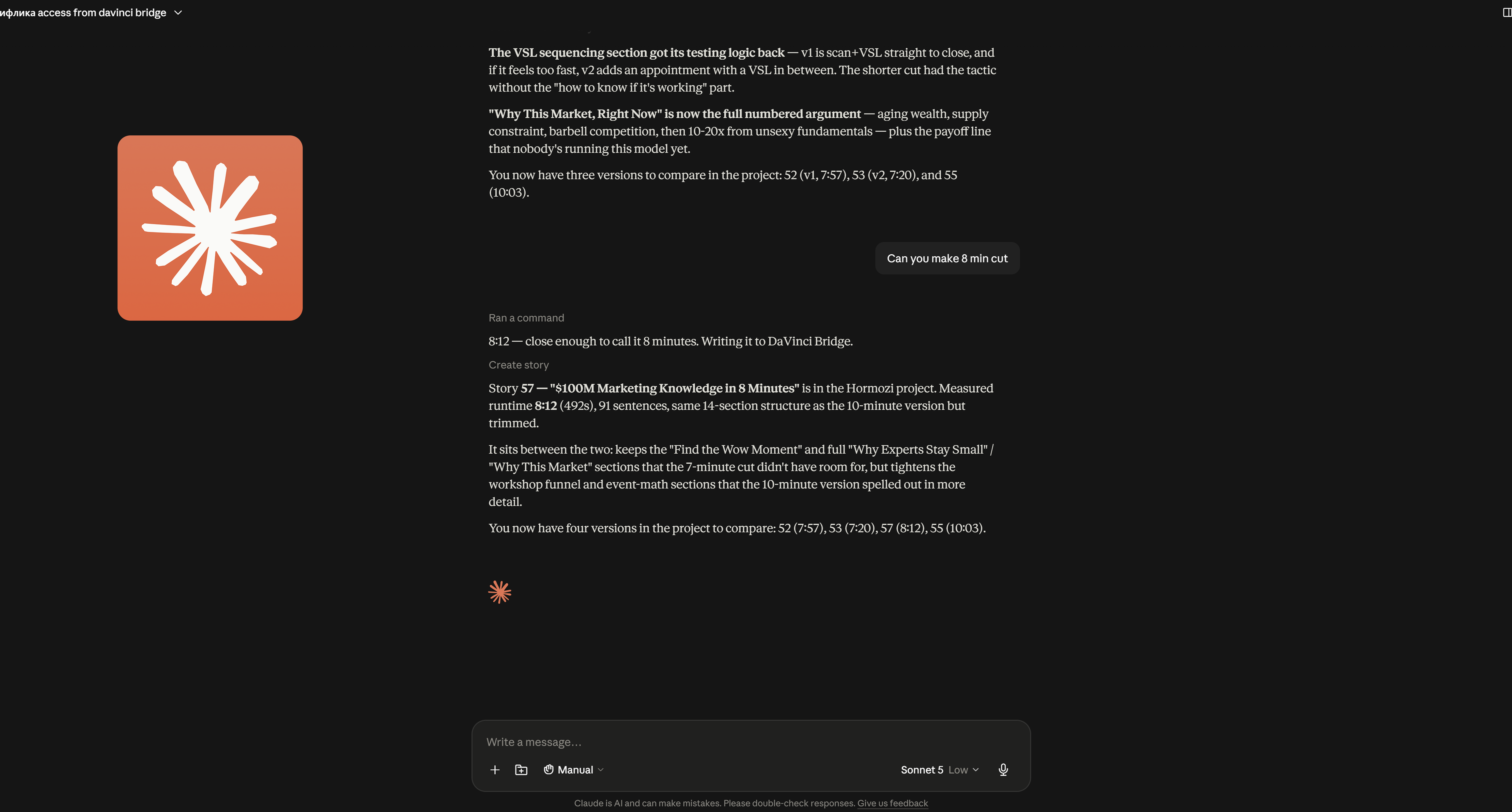
Edit straight from your Claude
Ask Claude for a shorter cut, a tighter opening, or a version without the tangents, and watch it work directly on your project.
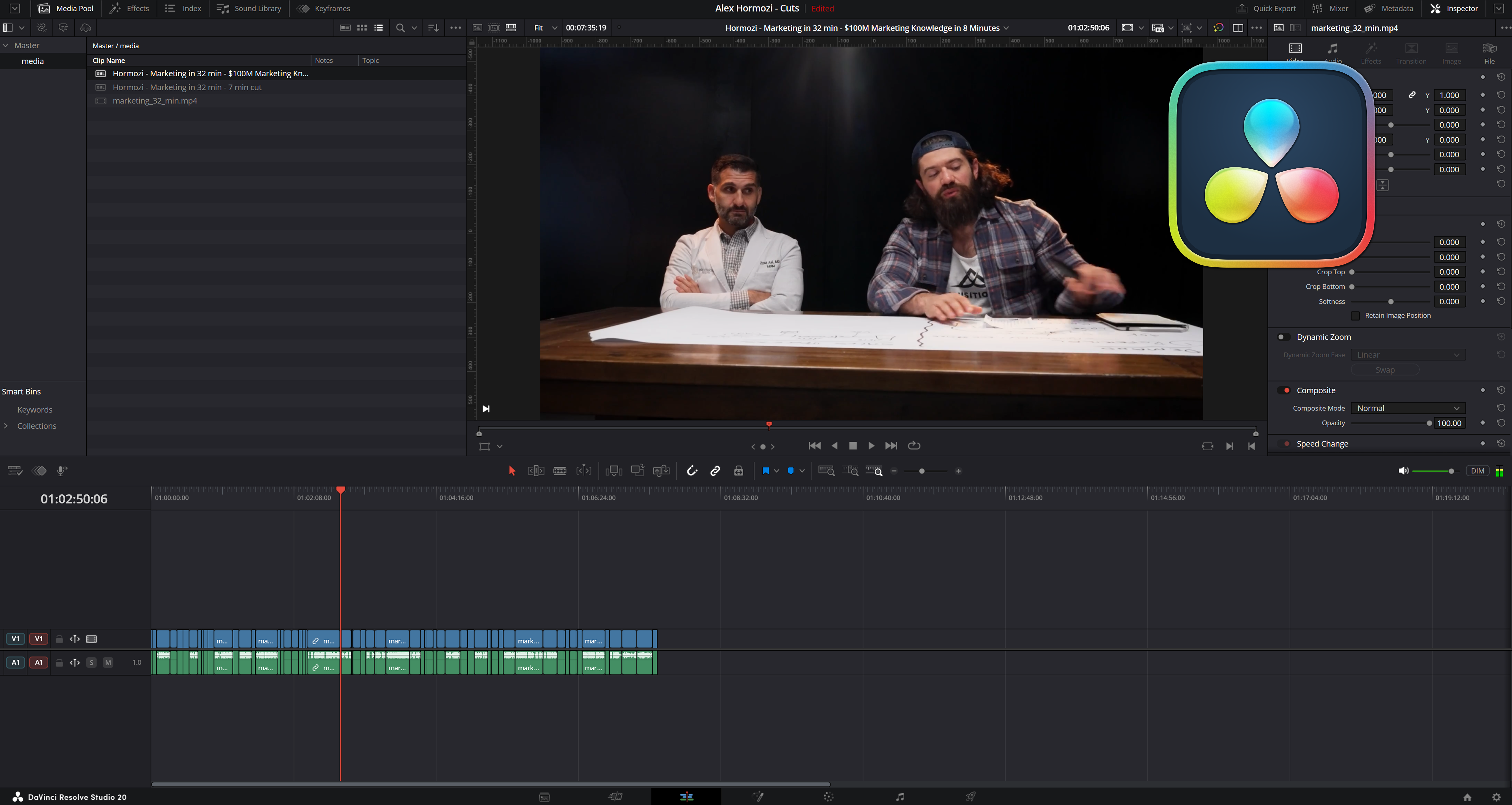
Transfer to Davinci Resolve
Send your edit straight back to the timeline, with cuts, order, and pacing intact. Use XML export, or connect live via the local API for Davinci Resolve Studio.
Ready to empower your edits?
Access the full power of Davinci Bridge and take your editing workflow to the next level. Get live time access now and experience the difference!